Amazon Trail 3rd Edition — up the river to Vilcabamba Runs here
1998 · The Learning Company · Mac OS 8 · SheepShaver (Power Macintosh 9500) · 800×600 at 8-bit colour
Guide updated October 2026
Yes: Amazon Trail 3rd Edition runs free in your browser on this page. Press Start and it boots Mac OS 8 on an emulated Power Macintosh 9500, with no download, no plugin and no account. Controls: Cmd-Q (quit to the Finder). Your progress is saved in your own browser between visits.
The third and last Amazon Trail. You start in Belém at the mouth of the Amazon, pick a guide and buy supplies, and travel upriver and back in time towards Vilcabamba, the last city of the Inca, fishing for food on the way and keeping clear of whirlpools, log jams, piranha and conquistadors.
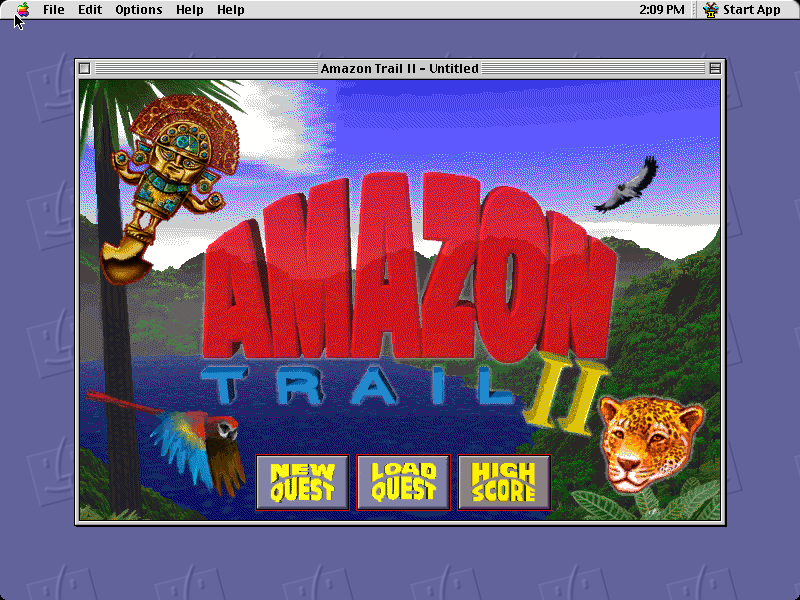
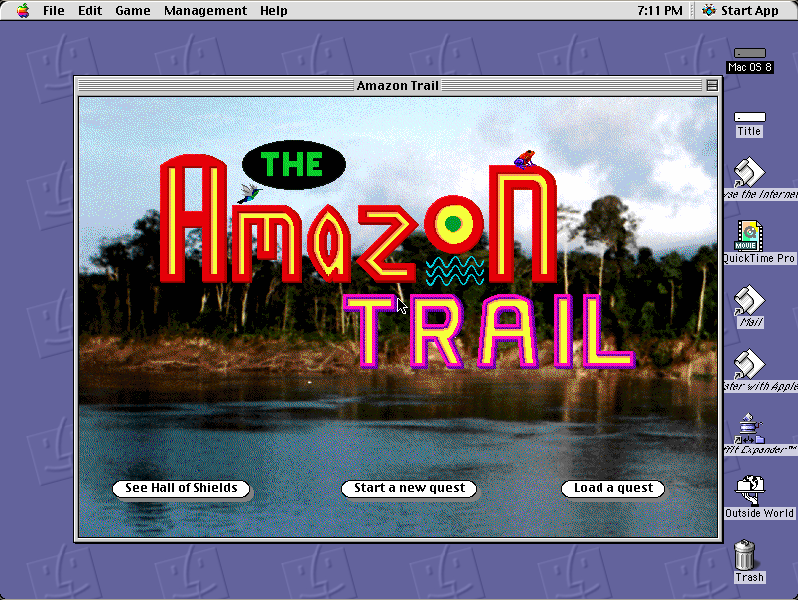
This is the Macintosh release, version 1.1, from the copy General Mills gave away free in 2000. It runs here on an emulated Power Macintosh under Mac OS 8.6. The earlier games are here too: The Amazon Trail and Amazon Trail II.
Mac OS 8.6 starts and opens Amazon Trail 3rd Edition by itself. On the title screen click New Quest, then pick a difficulty; if a leaf does not respond, click it again. The opening film plays, then you arrive in Belém.
Controls
| Mouse | Everything: the leaves on the title screen, the people you meet, the choices they offer |
| Cmd-Q | Quit to the Finder |
The Amazon Trail passed with MECC's catalogue to The Learning Company, Mattel and eventually Houghton Mifflin Harcourt. This copy is the full game General Mills gave away free on a CD-ROM in 2000; it has not been sold in any form for over twenty years. Full reasoning is in notices/amazon-trail-3.md, and the takedown promise applies without argument.
Archives and originals
- Internet Archive: the General Mills CD this copy came from.
How it works & what to expect
| Machine | Power Macintosh, 800×600, 256 colours |
|---|---|
| System | Mac OS 8.6 |
| Emulator | SheepShaver, compiled to WebAssembly |
| Version | Amazon Trail 3rd Edition: Rainforest Adventures 1.1 (© 2000) |
| Saves | Inside the emulated Mac, in your browser |
The first start is the slow one: Mac OS 8.6 downloads once, then the game, which is mostly video and photographs. Later visits start much faster.
Starting a quest
The title screen is a jungle of leaves: New Quest, Load Quest, High Score and Credits. Left alone it plays its own short films in a loop. New Quest asks for a difficulty, again on leaves: Novice, Challenger or Expert.
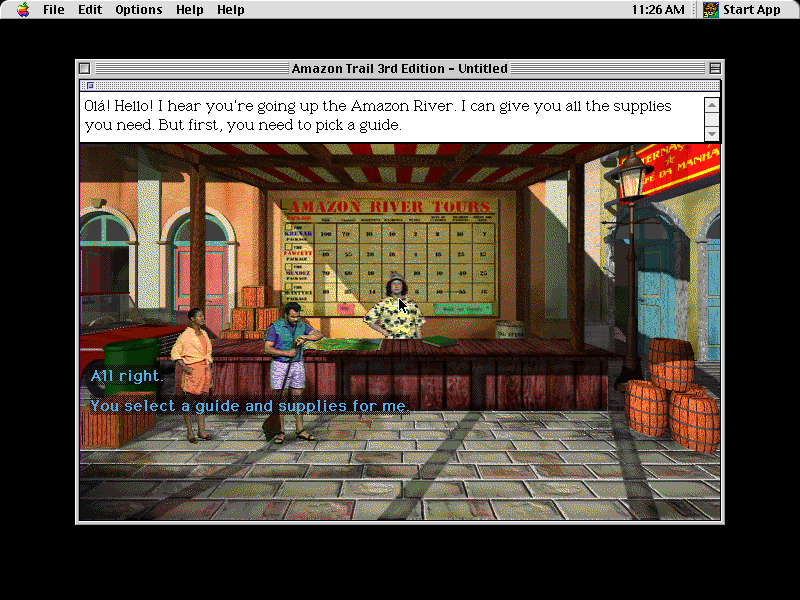
After the opening film you arrive at Amazon River Tours in Belém, where the owner offers to sell you everything for the trip but first wants you to pick a guide. You can let them choose your guide and supplies, or choose for yourself.
The three Amazon Trails
MECC's first Amazon Trail (1993) sent you upriver from Belém by canoe to bring cinchona to the Inca King; its CD edition, with photographs and recorded voices, is The Amazon Trail here. Amazon Trail II (1996) followed, and this third edition, from The Learning Company, sends you back in time to Vilcabamba and leans further into video. Fishing, trading and the people you meet carry through all three.
Questions people ask
Is this the Amazon Trail from school?
If your school had Macs around 2000, it could well be; this edition was also given away free by General Mills, so many people played it at home. The Amazon Trail and Amazon Trail II are on this site too.
The New Quest leaf did not respond.
Click it again. The title screen sometimes takes the second click, particularly while its own film is loading.
Can I save and come back?
Yes. Your quest is saved inside the emulated Mac, which is kept in your own browser between visits; Load Quest picks it up.
Does it work on a phone?
It loads and it is all mouse, but the first start downloads a large system. A computer is much more comfortable.
Put Amazon Trail 3rd Edition on your own site
Free, no permission needed and no account. Paste this where you want the machine to appear; it brings its own emulator and asks nothing of your page.
<iframe src="https://macemu.com/embed/amazon-trail-3/"
        width="800" height="600"
        style="border:0;max-width:100%"
        allowfullscreen
        title="Amazon Trail 3rd Edition"></iframe>
Sized to this title's real screen. How embedding works.