Slithereens — snakes in a stone maze Runs here
1998 · Ambrosia Software · Mac OS 8 · SheepShaver (Power Macintosh 9500) · 800×600 at 8-bit colour
Guide updated September 2026
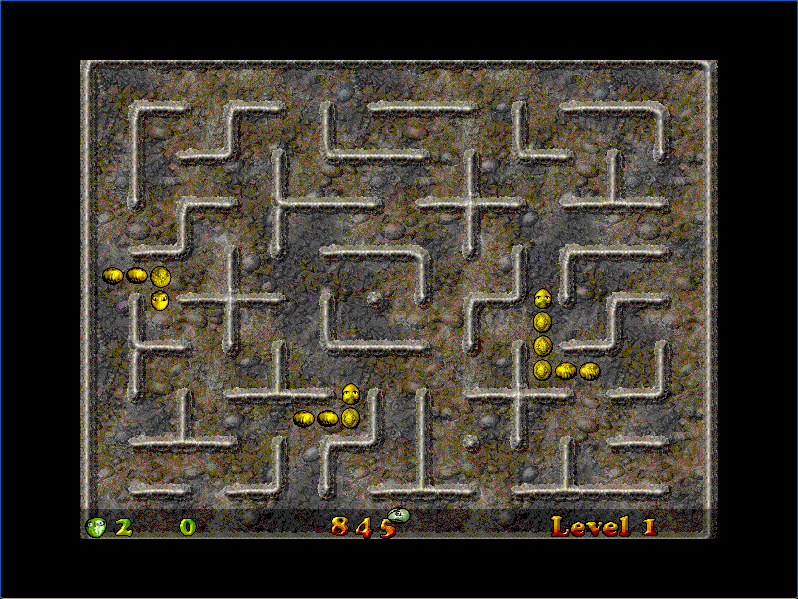
You are the green snake. Eat, grow, and do not run into the walls, the other snakes or yourself. Slithereens takes the old snake game into a stone maze full of rival snakes, with a menu that is itself a little 3D garden of signposts.
Ambrosia released it in December 1998. This is version 1.0.0 on an emulated Power Macintosh.
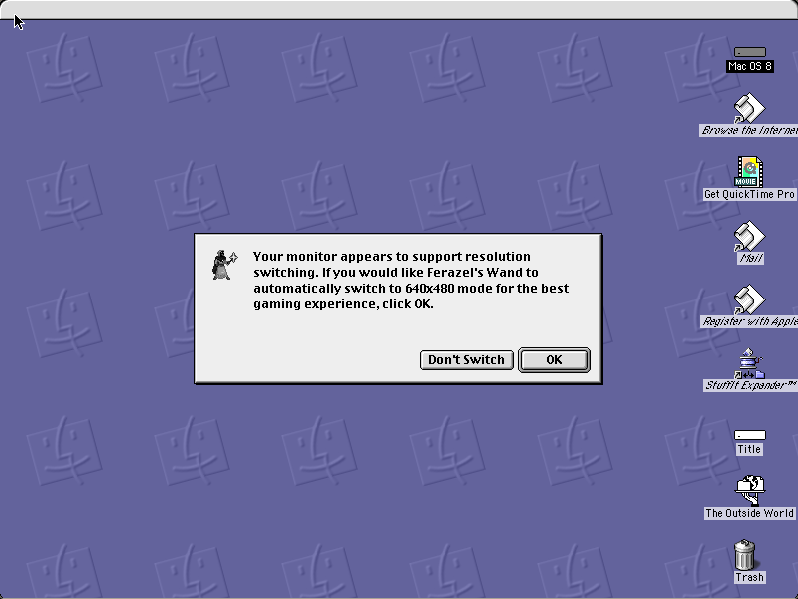
Boots Mac OS 8.6 and opens Slithereens by itself. Click Change (or press Return) when it asks about screen resolution, then New 1-Player Game.
Controls
| Arrow keys | Turn the snake |
| Caps Lock | Pause |
| Esc | Abort the game |
| Mouse | Either player can use the mouse instead; set it in Preferences |
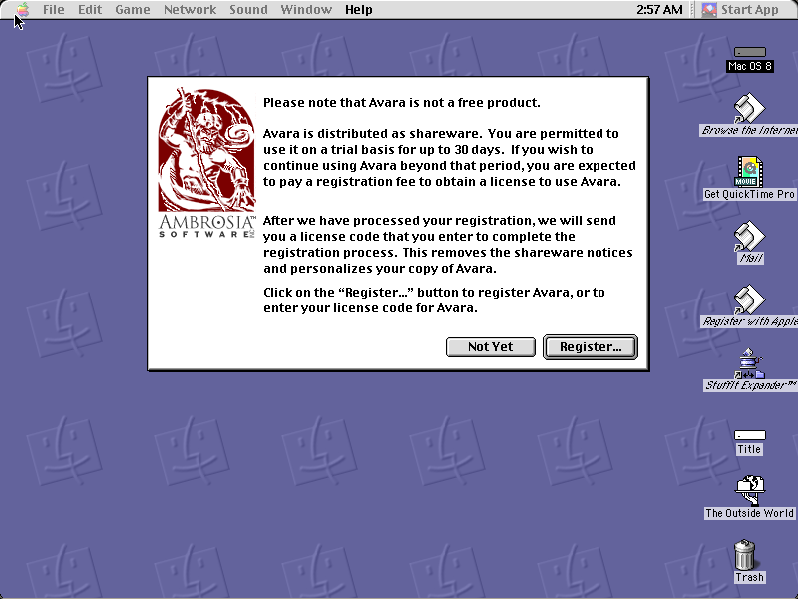
Slithereens is Ambrosia Software shareware. Its licence permits non-profit distribution provided the software is unmodified and the complete works are included, and both are true here. The copy is unregistered, and the shareware notice it shows at startup is left in place. Full reasoning is in notices/slithereens.md.
Archives
- Internet Archive: the Ambrosia installer this copy was produced from, via the Tucows Mac archive.
How it works & what to expect
| Machine | Power Macintosh, 800×600, 256 colours |
|---|---|
| System | Mac OS 8.6 |
| Emulator | SheepShaver, compiled to WebAssembly |
| Version | Slithereens 1.0.0 (December 1998) |
| Saves | Inside the emulated Mac, in your browser |
The first start is the slow one: Mac OS 8.6 downloads once and every Mac OS 8 title after it starts much faster. At first start it asks whether to switch the screen resolution. Choose Change, or press Return; that is the combination tested here.
How it plays
Each level is a stone maze with food on the floor and other snakes moving through it. Eating makes you longer, which is the point and the problem. The game's own walkthrough adds a warning: lay an egg when only your head is left, and you die.
The menu is a set of signposts in a garden: New 1-Player Game, New 2-Player Game, Preferences, High Scores, Help, About and Quit. Two players can share the keyboard, or one can use the mouse, and there is a cooperative mode.
Questions people ask
How do I start?
Choose Change (or press Return) at the screen-resolution question, then click the New 1-Player Game signpost.
What are the controls?
The arrow keys turn your snake. Caps Lock pauses and Escape aborts. Preferences lets either player use the keyboard or the mouse.
Can two people play?
Yes, from the New 2-Player Game signpost, on one keyboard or with one player on the mouse.
Is it legal to play here?
Slithereens is Ambrosia shareware, and its licence allows non-profit distribution as long as the software is unmodified and complete. This site is non-profit and carries no advertising.
Are high scores kept?
Inside the emulated Mac, in your own browser.
Put Slithereens on your own site
Free, no permission needed and no account. Paste this where you want the machine to appear; it brings its own emulator and asks nothing of your page.
<iframe src="https://macemu.com/embed/slithereens/"
        width="800" height="600"
        style="border:0;max-width:100%"
        allowfullscreen
        title="Slithereens"></iframe>
Sized to this title's real screen. How embedding works.