SimTower — build it up, keep the elevators moving Runs here
1994 · Maxis / OPeNBooK (Yoot Saito) · Mac OS 8 · SheepShaver (Power Macintosh 9500) · 800×600 at 8-bit colour
Guide updated September 2026
You get an empty lot, two million dollars and a side-on view of the sky. SimTower asks you to fill that sky with a building people want to be in: offices, condos, hotel rooms, shops and restaurants, all joined up by elevators that are never quite fast enough. Tenants move in, complain, and move out, and the tower earns its stars as it grows.
It was designed in Japan by Yoot Saito and published in the West by Maxis in 1994. This is the Macintosh release, version 1.2, installed from the original CD onto an emulated Power Macintosh.
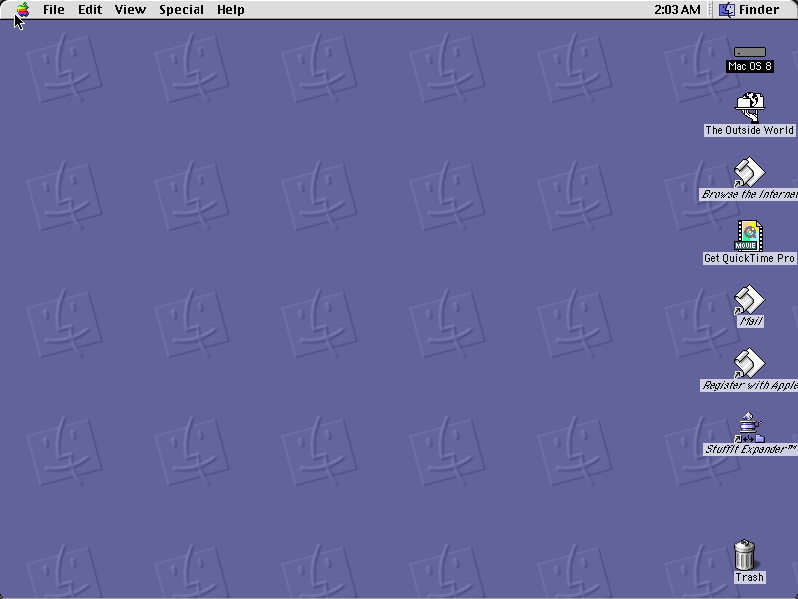
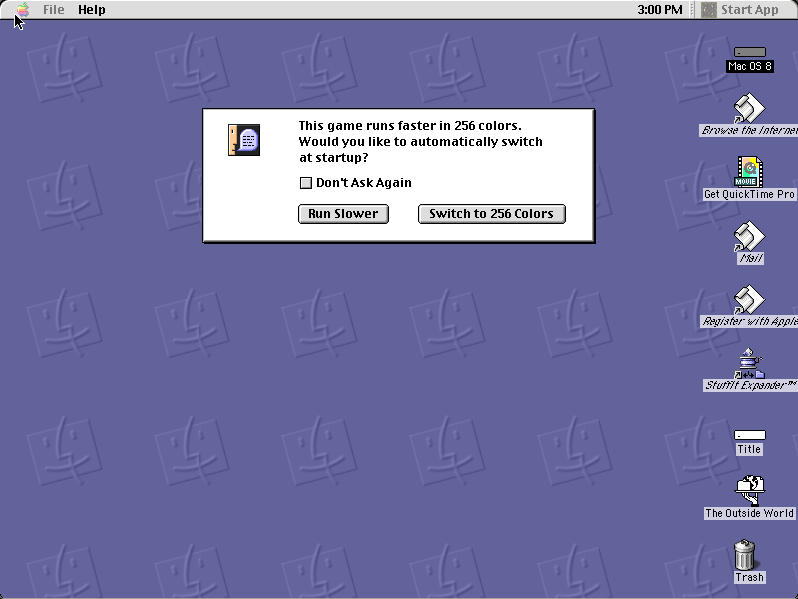
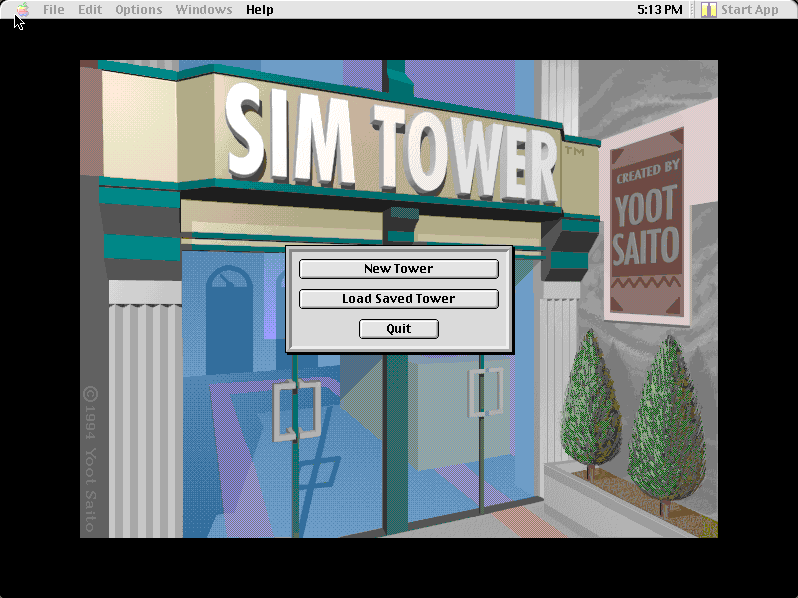
Mac OS 8.6 starts and opens SimTower by itself. Click Yes when it asks to switch to 256 colours, then New Tower. Start with a lobby on the ground floor.
Controls
| Mouse | Everything: pick a tool, then click or drag in the tower to build |
| Edit palette | The building tools: lobby, floors, offices, condos, hotel rooms, elevators, stairs |
| Windows menu | Bring back the tool palette, the map or the info windows |
| Pause button | Stop the clock while you plan |
SimTower belongs to Electronic Arts, which bought Maxis in 1997, and to Yoot Saito, who designed it. This 1995 Macintosh release has not been sold for decades and is in no current product. Full reasoning is in notices/simtower.md, and the takedown promise applies without argument.
Archives and originals
- Internet Archive: the preserved Macintosh CD this copy was installed from.
How it works & what to expect
| Machine | Power Macintosh, 800×600, 256 colours |
|---|---|
| System | Mac OS 8.6 |
| Emulator | SheepShaver, compiled to WebAssembly |
| Version | SimTower 1.2 (readme dated 24 April 1995) |
| Saves | Towers save inside the emulated Mac, in your browser |
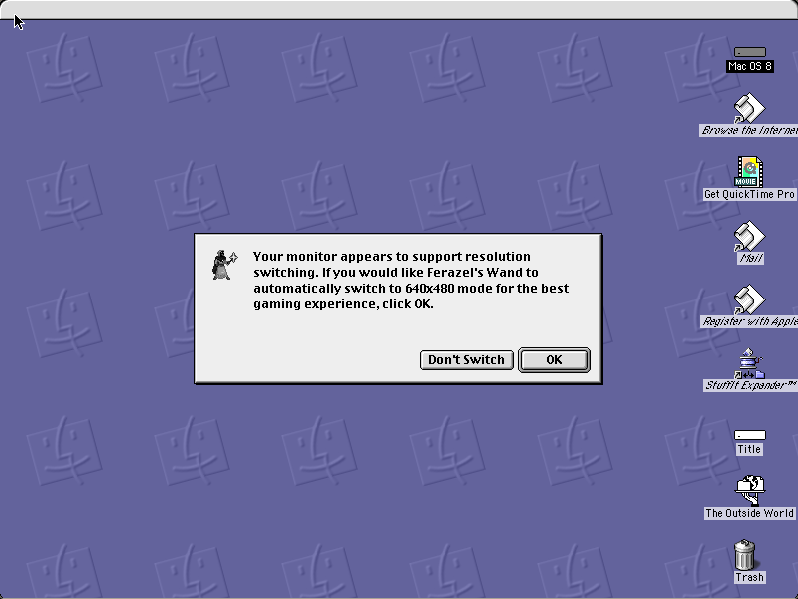
SimTower insists on 256 colours and asks to switch before it starts; say Yes. The first start downloads Mac OS 8.6 once, and every Mac OS 8 title after it starts faster.
Your first tower
Choose New Tower and you are looking at an empty plot. Build a lobby along the ground floor first: everything else has to be reached from it. Then add a few floors of offices above, and an elevator shaft that runs from the lobby up through them. Offices pay rent and bring workers in each morning.
Watch the elevators. Most of the game is about moving people, and a tower with too few elevators fills with angry tenants who leave. Stairs help for short hops; a second shaft helps more. As the population grows the tower gains stars, and each new star unlocks more kinds of room.
Money comes in over the day and the quarter, shown at the top of the screen alongside the date. Pause while you plan a floor; build when you can afford it.
Why it is remembered
SimTower is the Maxis game that is not about a city or a planet but about a single building, and that narrowness is what makes it work. Every problem is concrete: a queue at the fourth-floor elevator, a noisy restaurant under a hotel, a condo nobody will buy. Yoot Saito went on to make a sequel, Yoot Tower.
It is also one of the few Maxis titles that feels as good with a mouse on a small screen as it did in 1994.
Questions people ask
Is this the real SimTower?
Yes: the 1994 Maxis game, Macintosh version 1.2, installed from the original CD and running on an emulated Power Macintosh.
Why does it ask to switch colours?
SimTower was written for 256-colour screens and will not start otherwise. Click Yes and it switches the emulated monitor for you.
Can I save my tower?
Yes. Save from the File menu; the file lives on the emulated Mac inside your browser, so it is there next time on the same browser.
How do I get more stars?
Grow the population and keep tenants happy. Each star unlocks new room types, so the early game is mostly offices, lobby and elevators.
Is SimTower still sold?
No. The Macintosh release has been out of print for decades and is not part of any current product.
Put SimTower on your own site
Free, no permission needed and no account. Paste this where you want the machine to appear; it brings its own emulator and asks nothing of your page.
<iframe src="https://macemu.com/embed/simtower/"
        width="800" height="600"
        style="border:0;max-width:100%"
        allowfullscreen
        title="SimTower"></iframe>
Sized to this title's real screen. How embedding works.