Why System 7.5 Says It Was Not Shut Down Properly
September 2026 · Andrew Nakas
If you have ever run System 7.5 in an emulator, you have seen this. You close the window, come back later, and before anything else happens the Mac puts up a dialog with a small illustration of the Apple menu: This computer may not have been shut down properly the last time it was used. Press Return and carry on.
On this site it was worse than a nuisance. Every playable title saves its disk in your browser, so that closing the tab and coming back tomorrow picks up where you left off. Closing a tab is not shutting a Macintosh down, so every returning visitor to a System 7.5 title met that dialog sitting over the game they had come back to play. The feature built to bring people back was greeting them with a warning.
The obvious fix turned out to be the wrong one, and the real mechanism is small, specific and oddly charming.
The obvious fix
An HFS volume — the Macintosh filesystem of the time — starts with a Master Directory Block, 1024 bytes into the disk. Among its fields is an attributes word, and bit 8 of that word means this volume was unmounted cleanly. The system clears it when it mounts a disk and sets it again when it unmounts one. A disk that comes back with the bit clear was not put away properly. That is how later systems decide to run Disk First Aid on startup, and it is the answer you find if you go looking.
So the first version of the fix set that bit in the saved copy of the disk before the emulator opened it — exactly what a real shutdown would have written. It worked perfectly, in the sense that the bit was set. The dialog appeared anyway.
What changed on the disk
When a guess fails, compare. The saved disk is stored as a set of 256-kilobyte pieces, and only the pieces the Mac has actually written are kept, so the question what did System 7.5 change during a boot where nothing happened? has a precise answer. Two pieces had changed. One held the Master Directory Block. The other was the catalog — the B-tree that lists every file on the volume.
Inside the Master Directory Block, besides the attribute bits, three counters had moved: the number of files at the root of the disk had gone up by one, the total file count had gone up by one, and the next free catalog ID had been used. Something had created a file.
In the catalog, sorted between Desktop Folder and SimpleText, was a new record: an empty file named Shutdown Check, file type pref, creator MACS — the creator code of the system itself.
How the check works
The mechanism is about as simple as it could be. When System 7.5 starts, it looks for a file called Shutdown Check at the root of the startup disk. If the file is there, the last session never reached Shut Down, and you get the dialog. Either way, it then creates the file. When you choose Shut Down, the file is deleted as part of putting the machine away.
A file whose existence is the whole message. It needs no format, no contents and no parsing; it survives any crash, because a crash is precisely the thing that stops it being deleted. The dialog it produces is also unusually kind for the period — a picture of where Shut Down lives, and a gentle instruction — which makes sense for a machine sold to people who had been told they could just switch it off.
The cost of that simplicity is that it cannot tell a crash from any other way of stopping. A power cut, a frozen machine and a closed browser tab all look the same to it.
The fix, for real this time
So before the emulator opens a saved disk, the player now does what Shut Down would have done: it removes the Shutdown Check record from the catalog. That means taking the record out of its leaf node in the B-tree, decrementing the tree's record count, decrementing the root folder's item count, and decrementing the two file counters in the Master Directory Block. The file is empty, so there are no allocation blocks to give back.
It is done cautiously. It reads only the pieces of the disk your own machine wrote, since the file was created there and every block that mentions it is among them. If anything is unexpected — a disk that is not a plain HFS volume, a file that is not empty, a node the change would leave empty, a record the index points at directly — it writes nothing at all. The dialog is an annoyance. A damaged catalog would lose your save, which is the thing the whole exercise exists to protect.
Tested the dull way: boot a saved System 7.5 title, close the tab without shutting down, boot again. Before, the dialog. After, the Finder, or the game, straight away — and again on the third boot, on a catalog that had already been edited once.
If you run System 7.5 yourself
None of this is specific to this site. If you use Basilisk II, Mini vMac or SheepShaver and are tired of the dialog, you have two choices. The General Controls control panel in 7.5 has an option to warn you if the computer was shut down improperly; turn it off and the check goes away. Or choose Shut Down from the Special menu before closing the emulator, which deletes the file the way it was meant to be deleted.
And if an emulated Mac ever shows you something you cannot explain, the approach that found this one is worth borrowing: stop guessing what the system reads, and look at what it wrote.
Try it
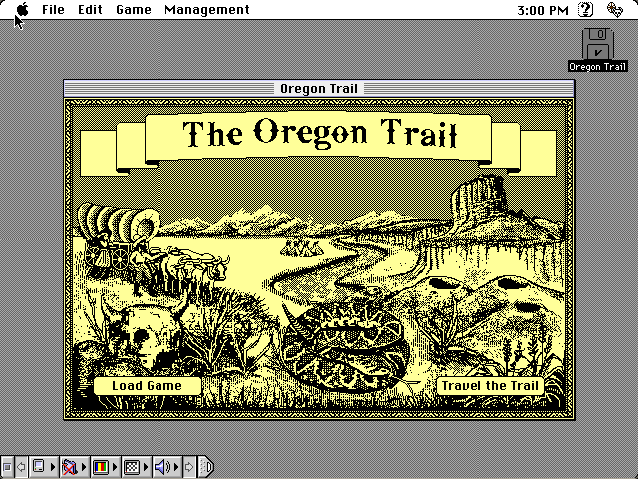
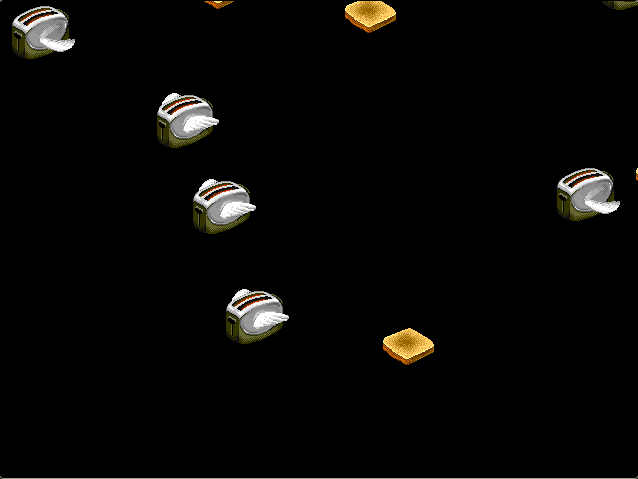
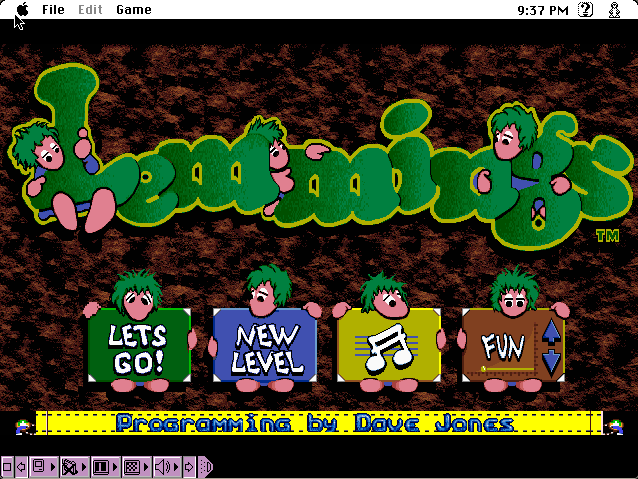
Any of the System 7 titles here will show it working. The Oregon Trail, Lemmings and After Dark all save their disks. Play for a minute, close the tab, and come back.